
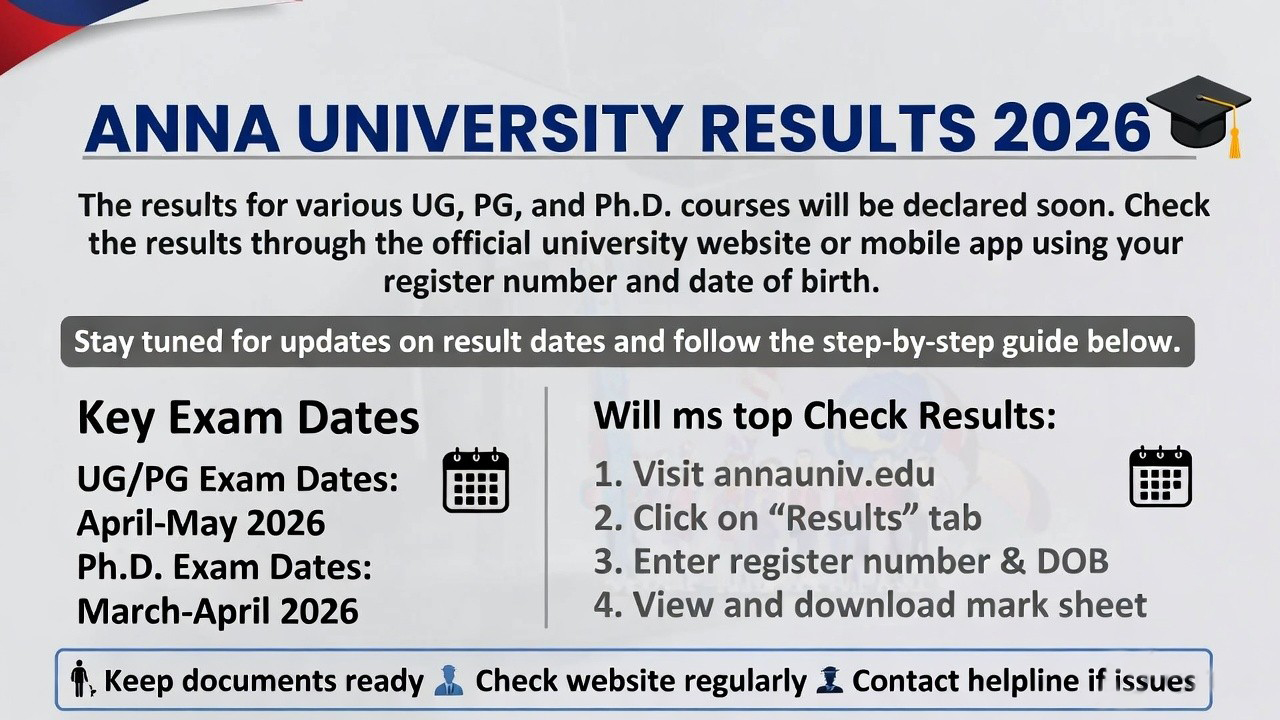
The official notification on aucoe.annauniv.edu confirms both. If you’re seeing “result not found” even now, don’t worry — the servers are still getting hammered. Try again after midnight or use the tips I’ll share below.
The university has published two major sets of results this week. Here’s the clear picture:
| Exam Session | Programmes Covered | Status | Announced Around | Where to Check |
|---|---|---|---|---|
| Nov/Dec 2025 | UG (BE/BTech etc.), PG (ME/MTech/MBA/MCA), PhD – Regular & Affiliated Colleges | Published | 13 March 2026 | coe1.annauniv.edu |
| Aug/Sep 2025 + Special Exams | Distance Education (BA, BSc, BCom, UG/PG) | Published | Early March 2026 | Same portal |
How to Check Your Anna University Results 2026 – Exact Step-by-Step (That Actually Works)
Forget random third-party apps for now. Here’s the process that 99% of students successfully use:
- Open your browser (Chrome works best) and head straight to https://coe1.annauniv.edu
- On the homepage, click on the “Results” or “Examination Results” link that appears during result season.
- Choose the correct session:
- Nov/Dec 2025 for regular semester students
- Aug/Sep 2025 for distance education candidates
- Enter your exact 12-digit Registration Number (the one printed on your hall ticket — no spaces).
- Type the captcha code exactly as shown (case-sensitive).
- Hit “Get Result” or “Submit”.
- Your digital marksheet loads instantly — subject-wise grades, credits, semester GPA, cumulative CGPA, and pass/fail status.
Pro tips that saved me last time:
- Use incognito mode to avoid cache issues.
- Switch to mobile data if Wi-Fi is slow.
- Try between 11 PM and 7 AM when traffic drops.
- Download the PDF immediately and save it in Google Drive + email + phone. This is your official proof until the printed marksheet arrives (usually 8-10 weeks later).
If the portal still refuses to load, many students swear by the STUCOR app for faster access, but always cross-check with the official site.
Decoding Your Marksheet – What Do Those Grades and CGPA Really Mean?
Once the PDF opens, here’s what you’ll see and why it matters:
- Grades: S (90-100), A (80-89), B (70-79), C (60-69), D (50-59), E (40-49) — all passing. Anything below is RA (Re-Appear).
- Credit System: Each subject has credits (usually 3-4). Your GPA is weighted average.
- Semester GPA & Cumulative CGPA: This is what recruiters and higher studies committees look at first.
- Result Status: Passed / Failed / Withheld / Absent / RA in specific papers.
“RA” is painful but super common — especially in tough papers like Engineering Maths or Core subjects. It doesn’t mean you’re done; it just means you get another shot in the supplementary exams (usually held 3-4 months later).
If your CGPA dropped a bit, breathe. One semester doesn’t define you. If it jumped, celebrate — you earned it.
Not Happy with Your Marks? Photocopy & Revaluation Process (Deadlines Are Brutal)
The university has already opened the photocopy window — this is mandatory before you can even think about revaluation.
For Regular Nov/Dec 2025 Students (UG/PG/PhD):
- Apply only through your college (no direct online option).
- Last date: 24 March 2026 (Monday), 5:00 PM sharp.
- The official procedure PDF is live on aucoe.annauniv.edu/downloads/nd25_pc_procedure_1.pdf
- After you get the photocopy (usually 2-3 weeks), you can decide whether to apply for revaluation. Most colleges start the reval process right after.
For Distance Education Aug/Sep 2025 Students:
- Apply only through your study centre.
- Window: 10 March to 15 March 2026.
- Procedure PDF: aucoe.annauniv.edu/downloads/aug_2025_photocopy.pdf
Important reality check: Photocopy fee is typically ₹300 per script (exact amount in your college notice). Revaluation fee comes later — usually ₹400-750 per paper depending on regulation. Don’t miss these deadlines. The university is strict; no extensions.
Once you receive the photocopy, sit with your faculty or a senior and compare. Many students get 5-15 mark improvements after revaluation. It’s worth the effort if you were close to passing or aiming for a higher grade.
Important Dates You Cannot Afford to Miss (March–June 2026)
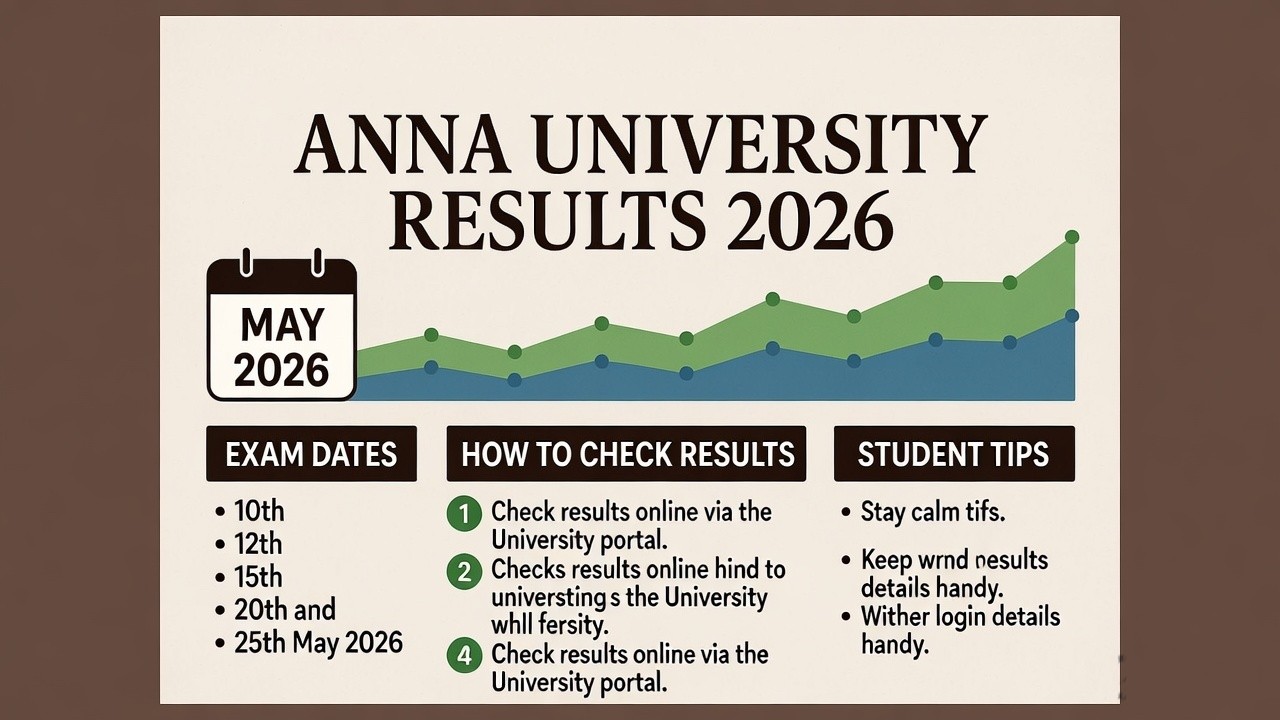
- Photocopy deadline (Regular): 24 March 2026, 5 PM
- Photocopy deadline (Distance): 15 March 2026
- Expected photocopy receipt: Late March to mid-April
- Revaluation results: Usually 4-6 weeks after application closes
- Supplementary exams: June/July 2026 (exact timetable will be announced soon)
- Next even semester exams (April/May 2026): Hall tickets expected end of March
Bookmark aucoe.annauniv.edu and check daily — new circulars drop without warning.
Common Problems Students Face on Result Day & Real Fixes
- “Registration number not found” → 90% of the time it’s a typing error. Copy-paste from hall ticket.
- Site keeps crashing → Use mobile data + incognito. Or try the STUCOR app as backup.
- Result shows “Withheld” → Contact your college exam cell immediately. Usually a fee issue or pending document.
- CGPA looks wrong → Wait 24-48 hours. Sometimes the system updates in batches.
- Distance students can’t see result → Make sure you selected the correct Aug/Sep 2025 session.
If nothing works after 3 tries, walk into your college exam cell with your hall ticket. They have direct access.
Smart Tips That Actually Helped Hundreds of Students
- Screenshot everything the moment the result loads — including the date and time stamp.
- If you have RAs, start revising those subjects today. The syllabus barely changes.
- Talk to your department HOD. They often know which papers get revalued successfully.
- Don’t compare your CGPA on WhatsApp groups — everyone’s situation is different.
- Use this time to update your resume with current CGPA (even if temporary) for internships.
- If you passed everything, start planning your project or internship applications.
- Keep your registration number and date of birth saved in your notes app — you’ll need them 50 times this year.
Frequently Asked Questions (Real Questions Students Asked Me Yesterday)
Q: Are both regular and distance results out? A: Yes — Nov/Dec 2025 regular and Aug/Sep 2025 distance.
Q: Can I check without registration number? A: Absolutely not. It’s mandatory.
Q: Will I get an SMS? A: Sometimes the university sends one, but never rely on it. Check the portal yourself.
Q: What if my result is withheld? A: Visit your college exam cell with hall ticket and ID proof.
Q: How long until printed marksheet comes? A: 2-3 months. Use the downloaded PDF for job applications and further studies till then.
Q: Can I apply for photocopy online directly? A: No. Regular — through college only. Distance — through study centre only.
Q: When will revaluation results come? A: Usually within 4-6 weeks after the photocopy window closes.
Q: Is there a supplementary exam timetable yet? A: Not yet, but watch aucoe.annauniv.edu — it usually drops in April/May.
Q: What if I have backlog from previous semesters? A: All RAs (current + old) can be cleared in the upcoming supplementary exams.
Q: Can I apply for improvement if I passed but want higher marks? A: No. Improvement is not allowed — only revaluation for genuine cases after photocopy.
Q: Will my CGPA update immediately after revaluation? A: Yes, once revaluation results are published, your updated CGPA reflects on the portal.
Q: What about 1st year students? A: Results are out for everyone, including first years.
What to Do Next – Whether You Passed or Have RAs
If you cleared everything: Update your LinkedIn, start applying for internships, and focus on the next semester. Your CGPA is now your new baseline.
If you have RAs: Treat this as a second chance. Join a study group, solve previous year papers, and aim to clear them in the first attempt of supplementary. Many students bounce back with a stronger CGPA after clearing backlogs.
Either way, book a counselling session with your placement cell if you’re in final year. Results open doors — use them wisely.